Retro Soccer Pro Info
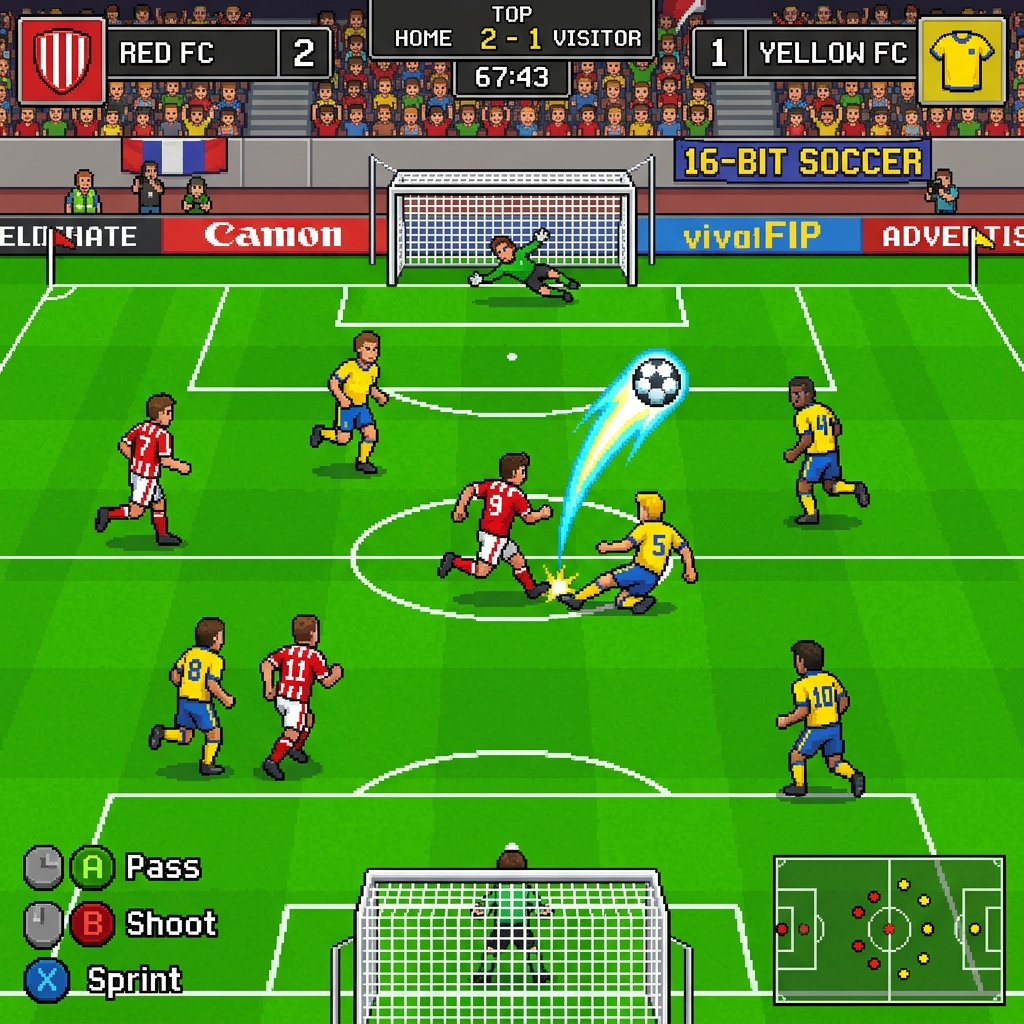
This guide covers passing angles, defensive timing and creating shooting positions in full 11v11 matches.
What is the Goal of the Game?
The goal of Retro Soccer Pro is to win 11v11 football matches against simulated opponent teams. Pass, dribble, shoot, and slide tackle to score goals, defend your net, and achieve a tournament-winning high score!
How to Play?
Control your active player using WASD or Arrow Keys. Press Z or Space to pass (or switch players defensively), and X to shoot (or slide tackle defensively). Pressing X charges the shot power-meter for higher lofted shots. Mobile players can use the virtual touchscreen joystick and action buttons.
Game Strategies
Maintain ball possession by passing to open teammates. When shooting, hold the key slightly to charge up and target the top corners of the net, where goalkeepers struggle to reach. Avoid slide tackling from behind, as this increases the referee's likelihood of issuing yellow or red cards, leaving your team with fewer players!
What's New
- 2026-07-16: Tactical opponent AI by difficulty: builds up with passes instead of rushing at goal, attacks down the wings and crosses into the box while teammates make runs to meet the delivery — but sprints straight at goal when the lane ahead is open. Loose balls are now always picked up.
- 2026-07-14: Smarter passing (the ball now goes where you aim), aimable shots, ground passes you can trap, opponent AI now slide tackles (free kicks & penalties for you!), curling direct free kicks, fullscreen button and a much better mobile joystick.
Game Features
- Full 11v11 football matches with two halves and national teams
- Complete match rules: fouls, offside, throw-ins and yellow/red cards
- Slow-motion replays after every goal
- AI opponents with distinct tactics per difficulty level
- Mobile joystick with PASS/SHOOT buttons and fullscreen mode
Tips and Tricks
- Keep possession with short Z passes and wait for gaps instead of forcing long balls.
- Time your slide tackles carefully — late challenges from behind earn cards.
- Use the wings: carry the ball wide and cross into the box for easier finishes.
- Shoot with X inside the box; from long range aim for the corners to beat the AI keeper.
Frequently Asked Questions (FAQ)
Is Retro Soccer Pro free?
Yes, totally free. The whole 11v11 experience runs in your browser with no download or sign-up.
What are the controls?
Move the active player with the Arrow keys, pass with Z and shoot or slide tackle with X. On mobile, use the on-screen joystick and buttons.
Are there referee decisions in the game?
Yes. The referee calls fouls, offsides and throw-ins, and hands out yellow and red cards for harsh tackles.
Can I pause or watch replays?
Yes. Press P to pause anytime, and every goal triggers a slow-motion replay that you can skip with a tap.
Does it work on phones?
Yes. A joystick and PASS/SHOOT buttons appear automatically on touch screens, and landscape mode gives the best view.
Keep Exploring
Play the game, compare scores or continue with a related guide.